
Social media content calendar: the complete 2026 guide
A content calendar is not a pretty spreadsheet you fill in once and forget. It is the system that decides what you post, where, when and who handles it, so you stop starting every day with “what do we post today?”. This guide takes you from a blank page to a calendar that runs on its own, with content pillars, a realistic rhythm, a production workflow and a monthly review.
How to build your calendar in 7 steps
- 1
Set a 90-day goal
Pick one main goal for the next quarter: awareness, website traffic, enquiries or sales. The goal decides the networks, the formats and what you measure.
- 2
Choose 3–5 content pillars
Pillars are the big themes you keep coming back to: education, behind the scenes, social proof, product, community. Every post belongs to one pillar.
- 3
Fix the networks and the rhythm
Start with two or three networks where your audience is, at a frequency you can keep for 12 weeks, not just one week.
- 4
Draw the weekly template
Give each day a pillar and a format (short clip, carousel, text, live). The template removes the daily decision.
- 5
Produce in batches
Film, edit and write the captions for one or two weeks in a single session, not day by day.
- 6
Schedule everything ahead
Put each post at the right time for each network, with a caption adapted to each account, in a tool that posts through the official APIs.
- 7
Review monthly
Once a month, look at what worked, move the weak time slots and replace the formats that do not bring results.
What a content calendar is and why you need one
A content calendar is the written plan of your social media posts: the date, time, network, format, topic, copy and status of each post (idea, in progress, ready, scheduled, published). It can live in a spreadsheet, on a Kanban board or directly in the calendar of your scheduling tool. The format matters less than the habit of using it.
The main reason it is worth the effort is consistency. The TikTok, Instagram and YouTube algorithms reward accounts that post predictably, and people get used to a brand that shows up regularly. Without a calendar, posting depends on the day's inspiration and spare time, so busy weeks are followed by months of silence.
The second reason is quality. When you know two weeks ahead what is coming, you have time to film properly, check the copy and adapt the clip to each network. The third reason is measurement: if every post has a pillar and a format noted, at the end of the month you can say exactly which type of content brought results, not just “it felt better this month”.

Step 1: the goal and the audience
Before the first post goes into the calendar, write in one sentence what you want to achieve in the next 90 days. “We want 30 enquiries a month from social media” is a good goal. “We want to be more present online” is not, because at the end you cannot tell whether you got there.
Then describe the audience: who buys from you, how old they are, what problems they have, which networks they spend time on and at what hours. A local plumbing company finds customers on Facebook and in neighbourhood groups, a skincare brand for young people on TikTok and Instagram, a consultancy on LinkedIn. You do not need to be everywhere; you need to be consistent where it matters.
- One main, measurable goal per quarter
- Two or three networks to start with, not nine at once
- Your audience's local time, not yours, if you sell abroad
Step 2: content pillars
Content pillars are the big categories every post falls into. They solve two problems: running out of ideas (you always know which area to pick from) and imbalance (you never end up talking only about offers). For most small businesses, four pillars are enough.
An example for a coffee shop: education (how to choose beans, espresso versus filter), behind the scenes (roasting, the team, the morning prep), proof (regulars, orders for events), offers (product of the week, holiday opening hours). For an estate agency: the local market, property tours, buyer tips, client stories.
A practical rule is the 70/20/10 split: about 70% useful or entertaining content for the audience, 20% people and behind the scenes, 10% direct promotion. The split is not a law, but it keeps you from becoming an account that looks like a noticeboard.
| Pillar | What goes in | Best format | Share |
|---|---|---|---|
| Education | Tips, common mistakes, customer questions | Short clip, carousel | 40% |
| Behind the scenes | The team, a working day, before and after | Short clip, story | 25% |
| Proof | Finished jobs, customer messages (with consent) | Clip, image | 20% |
| Offer | Services, promotions, bookings | Short clip, text post | 15% |
Step 3: posting rhythm on each network
The right rhythm is the one you can sustain for three months without burning out the team. An account that posts three times a week for a year almost always grows more than one that posts daily for two weeks and then disappears. Start carefully and increase frequency only once the production workflow runs smoothly.
Networks have different habits. On TikTok and YouTube Shorts volume helps, because each clip is a new chance of distribution. On Instagram the balance between Reels, carousels and stories matters. On LinkedIn two or three good posts a week beat mediocre daily posting. On Facebook, local pages do well with three or four posts a week. The details for every network are in the guide on how often to post.
| Network | Starting frequency | Main format |
|---|---|---|
| TikTok | 3–5 clips a week | Vertical 9:16 video |
| 3–4 posts a week + stories | Reels, carousel | |
| 3–4 posts a week | Video, image, text | |
| YouTube Shorts | 2–4 clips a week | Vertical video under 3 minutes |
| 2–3 posts a week | Text with image or video |
Step 4: the weekly template
The weekly template turns the pillars and the rhythm into a fixed grid. Instead of deciding every day what to post, you know Monday is for tips, Wednesday for behind the scenes and Friday for the offer. The concrete ideas change; the structure stays. That removes decision fatigue and makes delegating easier.
For each day the template should hold the networks, the pillar, the format and the time. You do not have to post the same idea on every network on the same day; you can stagger, for example Monday's clip goes to TikTok on Monday, Instagram on Tuesday and Facebook on Wednesday, each with its own caption.
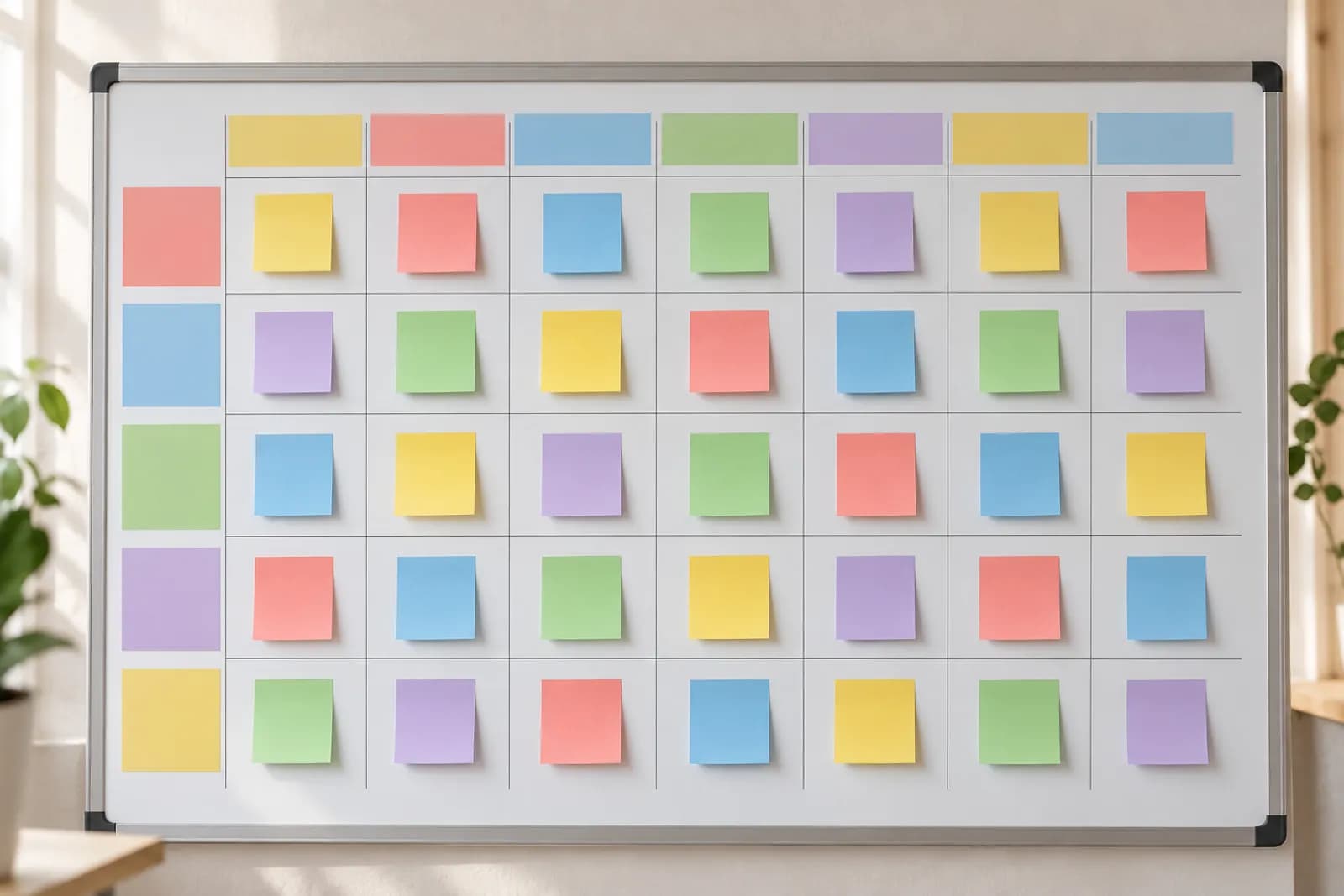
| Day | Pillar | Format | Networks | Indicative time |
|---|---|---|---|---|
| Monday | Education | 20–40 s clip with subtitles | TikTok, Instagram | 12:30 |
| Tuesday | Proof | Before/after | Facebook, Instagram | 18:30 |
| Wednesday | Behind the scenes | Short clip | TikTok, YouTube Shorts | 19:00 |
| Thursday | Education | Carousel or clip | Instagram, LinkedIn | 09:00 |
| Friday | Offer | Clip with a clear call to action | All | 17:00 |
| Weekend | Community | Stories, replies to comments | Instagram, Facebook | flexible |
Step 5: ideas and the content bank
A calendar empties quickly without a steady source of ideas. Keep a content bank: a simple list where you note any good topic the moment it comes up — customer questions, objections heard in sales, mistakes you see often, industry trends, seasonality.
The best sources are almost always internal: customer emails and messages, the sales team's notes, genuine reviews, comments on your posts. A question asked by three different customers deserves a clip. Add the moments of the year that matter to you too: back to school, Black Friday, the holidays, your industry's peak season.
Once the bank holds 30–40 ideas, filling the calendar for a month takes an hour. For each day of the template, you pick an idea from the right pillar and move on.
- Write ideas down immediately, in one place
- Tie every idea to a pillar
- Tag seasonal ideas with the month they make sense
- Revisit ideas that worked, from a new angle
Step 6: batch production
Batch production means doing the same task for several posts at once: film eight clips in one afternoon, edit them all in one morning, write all the captions in an hour. Switching between tasks is what eats the most time, and batches remove it.
A rhythm that works for many small teams: a planning session at the start of the month, a filming session every two weeks, editing and writing the following week, scheduling straight after. If you lack filming time, fill gaps with clips built from library footage or clips generated with AI from a written idea, then polish them in an editor.
For every clip, prepare the variants from the start: vertical 9:16 for TikTok, Reels and Shorts, possibly 4:5 for the Instagram and Facebook feed, and a square version if you use LinkedIn. More on formats in the guide to video specs for every platform.
Step 7: scheduling the posts
A calendar is only an intention until the posts are scheduled. Every major network has its own scheduler: TikTok Studio on desktop, Meta Business Suite for Facebook and Instagram, YouTube Studio for Shorts, LinkedIn for pages and profiles. If you use one or two networks, they may be enough.
With three or more networks, or several accounts, a tool that schedules everywhere from one place pays off. Check three things: that it posts through the official APIs (not browser automation), that it allows a different caption on each account and that it shows clearly what was published and what failed.
In PostingClips, for example, you connect accounts through each platform's own login, place clips in the Calendar on the days and times of your template, and every account gets its own caption. If you want to go further, Automate can make new clips on a chosen theme and post them at the set times. Posting itself costs no credits; you pay credits for what the AI makes and a monthly connection for each linked account.
What to measure and how to adjust
Once a month, set aside an hour for analysis. Do not look at everything; choose three or four metrics tied to the goal from step 1. For awareness: reach and views. For engagement: saves, shares and comments per thousand views. For sales: link clicks, messages received and enquiries.
Compare results by pillar and by format, not just post by post. If education brings twice as many saves as behind the scenes, increase its share. If Thursday evening posts consistently underperform, move the slot. Change one thing a month so you know what made the difference.
If you also run paid ads, the organic calendar helps you choose what to promote: posts that did well organically are usually the best candidates. To manage campaigns across several platforms from one conversation, you can use a dedicated ads assistant.
| Goal | Main metric | Secondary metric |
|---|---|---|
| Awareness | Reach, views | New followers |
| Engagement | Saves and shares | Comments, watch time |
| Traffic | Link clicks | Website visits from social |
| Sales | Messages and enquiries | Attributed orders |
Common mistakes
Most calendars fail for the same few reasons. You can avoid them if you know them in advance.
- Too many networks at the start: two well-kept networks beat six abandoned ones
- Unrealistic frequency: a rhythm you cannot keep for three months is not a rhythm
- The same copy everywhere: each platform has its own tone, length and hashtags
- No room for news: leave one or two free slots a week for timely topics
- Scheduling without showing up: after publishing, reply to comments in the first hour
- No review: without a monthly look you keep repeating what does not work
A full one-month example
Take a florist that wants online orders for delivery. Goal: 40 orders a month from social media. Networks: Instagram, Facebook and TikTok. Rhythm: four posts a week on Instagram, three on Facebook, three on TikTok. Pillars: inspiration (arrangements, colour combinations), education (how to keep flowers fresh), behind the scenes (preparing orders in the morning), offer (bouquet of the week, same-day delivery).
On the first day of the month, the owner fills the calendar from the content bank in about an hour. On the second day she films ten short clips in the workshop. Editing and captions take a morning. Then she schedules everything for two weeks, with different captions on each network. Mid-month she repeats the filming session. At the end of the month she sees that tip clips bring the most saves and the bouquet-of-the-week clips the most messages, so next month she keeps both and drops the Sunday posts, which performed worst.
Total time invested: around eight to ten hours a month, compared with an hour a day previously lost to last-minute decisions. The difference comes from the plan, the batches and the scheduling.