
Video hooks: how to win the first three seconds of a short clip
On TikTok, Reels and Shorts, viewers decide within two or three seconds whether to stay or keep scrolling. The hook is everything that happens in that window: the image, the on-screen text and the first sentence. A good hook is not a trick; it is a clear promise the rest of the clip keeps.
Why the first seconds decide everything
Short-video platforms test every clip on a small group of viewers and watch how many stay. If many scroll away immediately, distribution stops. If they stay, the clip reaches a bigger group. In practice, the first seconds are the filter all the rest of your work has to pass through.
A good hook has three parts working together: an image that moves or surprises, short on-screen text that says what the clip is about and a spoken first sentence that goes straight to the point. When all three say the same thing, the message lands even with people watching on mute.
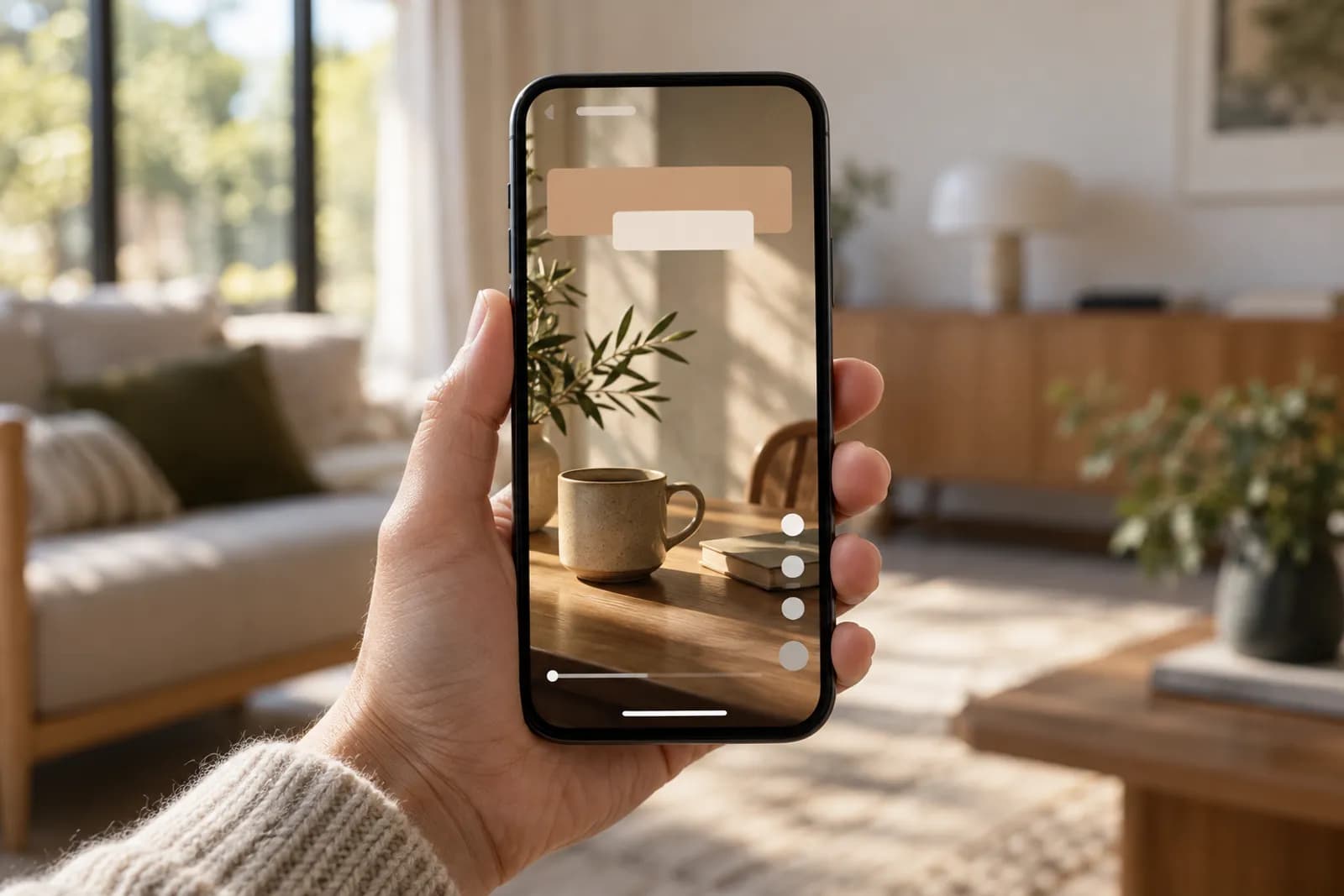
12 hook types, with examples
You do not have to be creative from scratch every day. Pick two or three types that suit your industry and rotate them.
| Type | Example | Good for |
|---|---|---|
| Result first | “This is the bathroom after 3 days of renovation” | Renovation, cleaning, design |
| Direct question | “Know why your flowers wilt in two days?” | Florists, services |
| Common mistake | “The mistake 9 out of 10 customers make with…” | Any field with tips |
| Concrete number | “3 settings that cut your electricity bill” | Education, technical |
| Contrast | “The £50 version vs the £500 version” | Products, comparisons |
| Myth busted | “No, you don't need an oil change every 3,000 miles” | Garages, health, finance |
| Story started | “A customer called on Friday night with a problem…” | Services, consulting |
| Demonstration | Hands doing the promised thing straight away | Recipes, crafts, products |
| Behind the scenes | “What happens in the kitchen at 6 a.m.” | Restaurants, production |
| List | “Everything you need for your first aquarium” | Shops, hobbies |
| Warning | “Don't sign a lease until you check this” | Property, legal |
| Reply to a comment | A follower's comment shown on screen | Accounts with a community |
On-screen text
A large share of clips are watched without sound, so on-screen text is often the only hook that reaches the viewer. Write 6–8 words at most, in big letters with good contrast, inside the safe zone: away from the buttons on the right and the caption at the bottom.
The text should appear from the first frame, not a second later. Do not repeat the spoken sentence word for word; complement it. For example, say “Look what I found under the floor” and write “1970s flat renovation” on screen.
- 6–8 words at most in the first frame
- Strong contrast, simple font
- Safe zone: the centre and upper third of the screen
- Subtitles for the rest of the clip
Image and movement
The first frame must be interesting even as a still image, because it also shows up in preview feeds. Avoid black screens, animated logos and wide shots where nothing happens. Start in the middle of the action: the hand pouring, the door opening, the product falling.
Movement in the first frames helps: a quick transition, a slight zoom, a change of angle. Do not overdo effects; one clear movement beats five effects that tire the eye.
The first sentence
The first spoken sentence should go straight into the topic. Drop greetings, introductions and “in today's video I'll show you”. State the promise, then deliver it. If you need to introduce yourself, do it at the end or in the caption.
Test it: if you cut the first two seconds of the clip, does it still make sense? If yes, those two seconds were probably unnecessary.
A hook must keep its promise
Misleading hooks (a promise the clip does not keep) can bring views for a moment, but they lower watch time, attract negative comments and damage trust in the account. Platforms notice when people leave disappointed. A good hook is a short, attractive version of the truth in the clip.
If you use AI-generated clips, make sure the hook image does not suggest it is real footage of your product when it is not. Correctly labelling generated content is part of long-term trust.
How to test hooks
The simplest test: the same idea, two different hooks, posted a few days apart. Compare the share of viewers who get past the first three seconds (TikTok, Instagram and YouTube analytics show retention by second) and the average watch time.
Note the results in a simple table: hook type, text, 3-second retention, completion. After a month you will clearly see which types work for your audience and can use them more often.
- Change one element at a time: the text, the image or the sentence
- Compare clips of similar length
- Keep a table of results by hook type
Common mistakes
Most clips lose viewers for the same reasons, which are easy to avoid once you know them.
- A logo or animated intro in the first seconds
- “Hi, welcome back to the channel” as the first sentence
- On-screen text too long or too small
- Text covered by the platform's buttons
- A promise the clip does not keep
- A static frame with no action at the start
The hook, the caption and the rest of the strategy
The hook grabs attention, but the caption, the hashtags and the posting time complete the distribution. A caption generator helps you quickly write different copy for each network, and the overall strategy — formats, rhythm, measurement — is covered in the short-form video strategy guide.